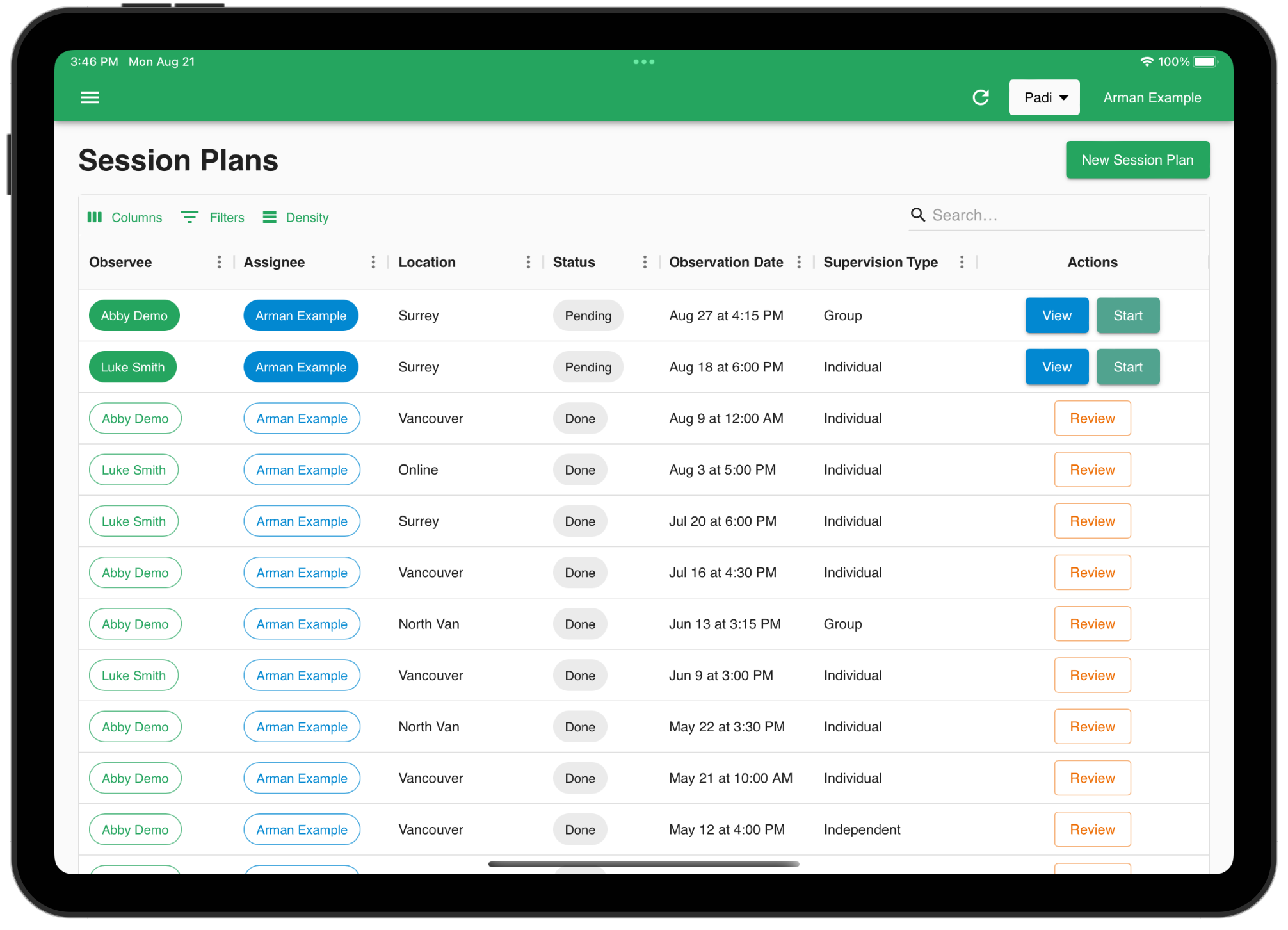
Setting up a Supervision
Behaview supports both in-person supervision data taking, as well as asynchronous remote supervision data taking. This guide will walk you through the steps of setting up a supervision in Behaview.
Preparing to Supervise
Prior to creating a Session Plan for a supervision, ensure that you have:
- The Supervisee inside your organization as a Staff member
- The Supervisee assigned to a Role in your organization (e.g. BCaBA Candidate)
- The Skills you want to supervise the Supervisee on assigned to the Role
Once you have the above, you can create a Session Plan for the Supervisee.
Creating a Session Plan
A Session Plan is a plan for a supervision session. It allows you to plan:
- The logistics around where, and when the supervision will be done
- The Skills that will be supervised
- Required notes and custom fields relevant for the supervision.
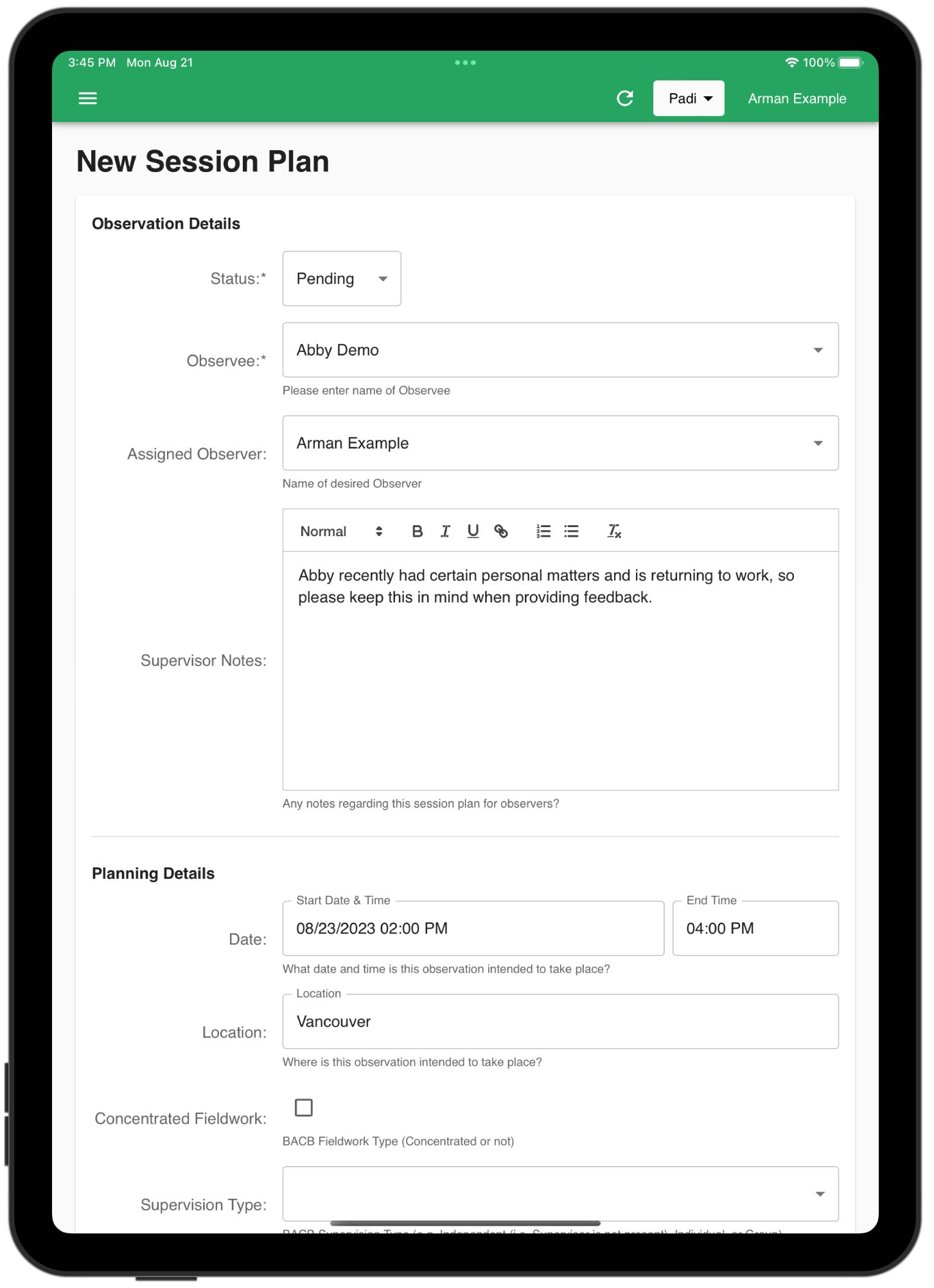
Once planned, the assigned supervisee (aka. Observee) will be informed of the upcoming supervision, and the respective supervisor (or any user with supervision privileges) can start the supervision.