
Downloading Mobile App
Behaview can be installed as an app on tablets and phones via the browser (i.e. as a Progressive Web Application). Once installed, it behaves like any other native application and provides an equivalent experience. Instructions below will show you how.
To install Behaview on your mobile device, follow these steps:
- Login to Behaview via your Safari browser.
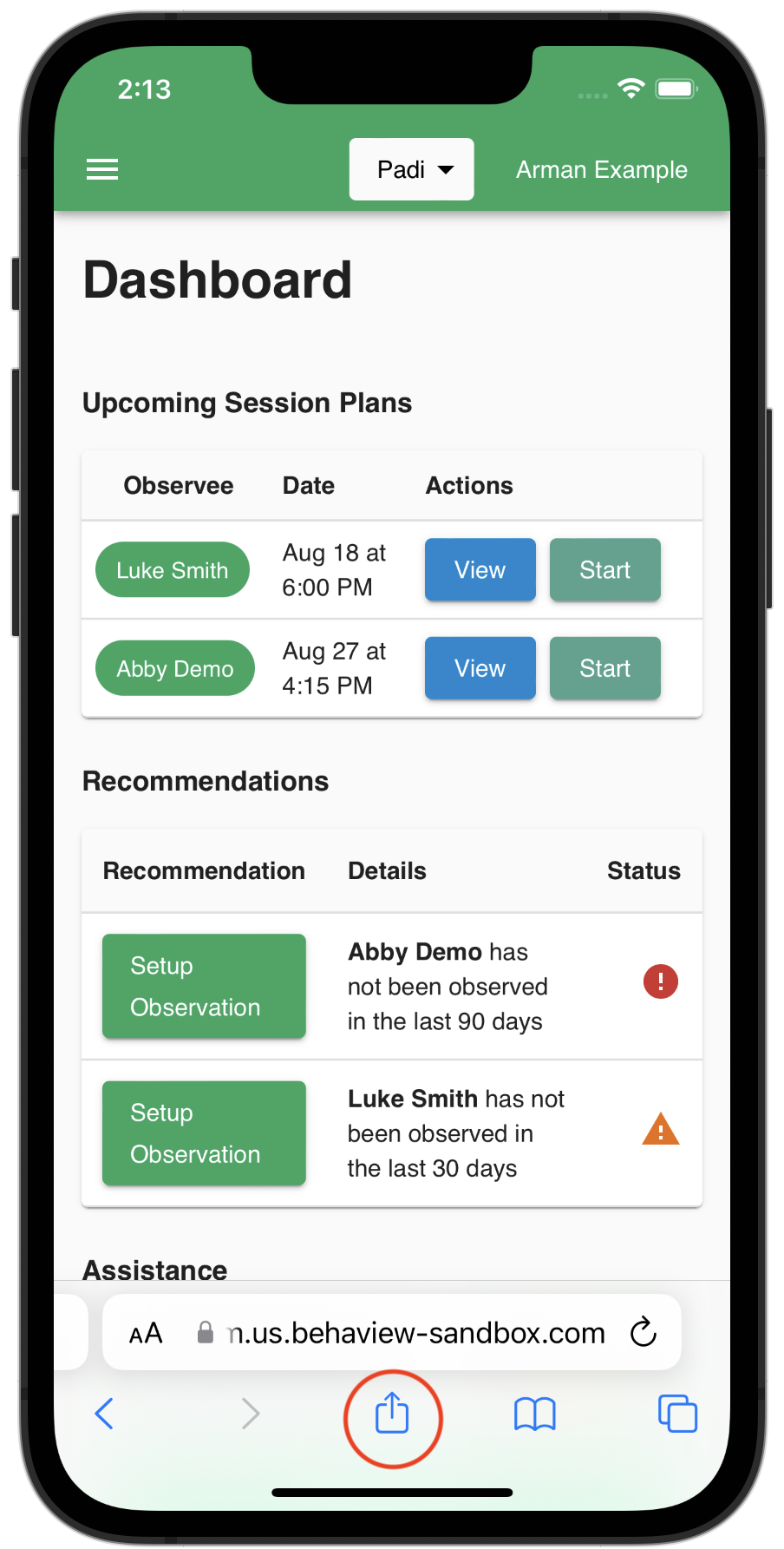
- Tap the Share button at the bottom of the screen.
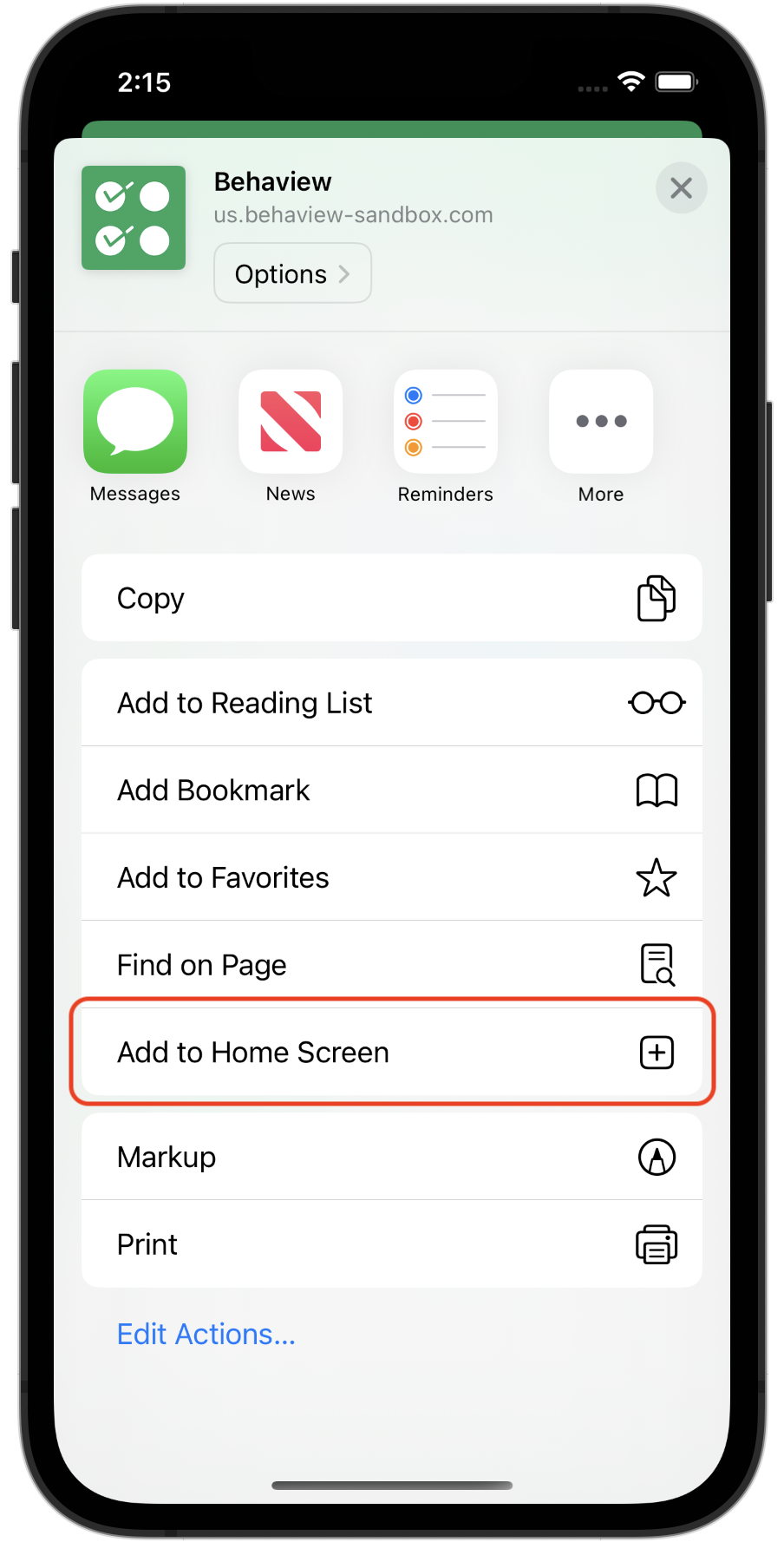
- Tap the “Add to Home Screen” button, and continue to add to home screen.
Once installed, you can open Behaview from your home screen like any other app.